Capstone Design
Capstone Design Course – From Needs to Validated Systems using the V‑Model & ISO/IEC/IEEE 29148
Focus of this session: Stage 5 – Implementation / Construction
DCP‑400 – Implementation Package
By the end of this session, you will be able to:
IMP-* items appear in the RTM.
Note
Stage 5 is the bottom of the V: You turn design descriptions into working hardware, firmware, and software.
ISO/IEC/IEEE 15288 – System Life Cycle Processes
Relevant processes for Stage 5:
ISO/IEC/IEEE 29148 – Requirements Engineering
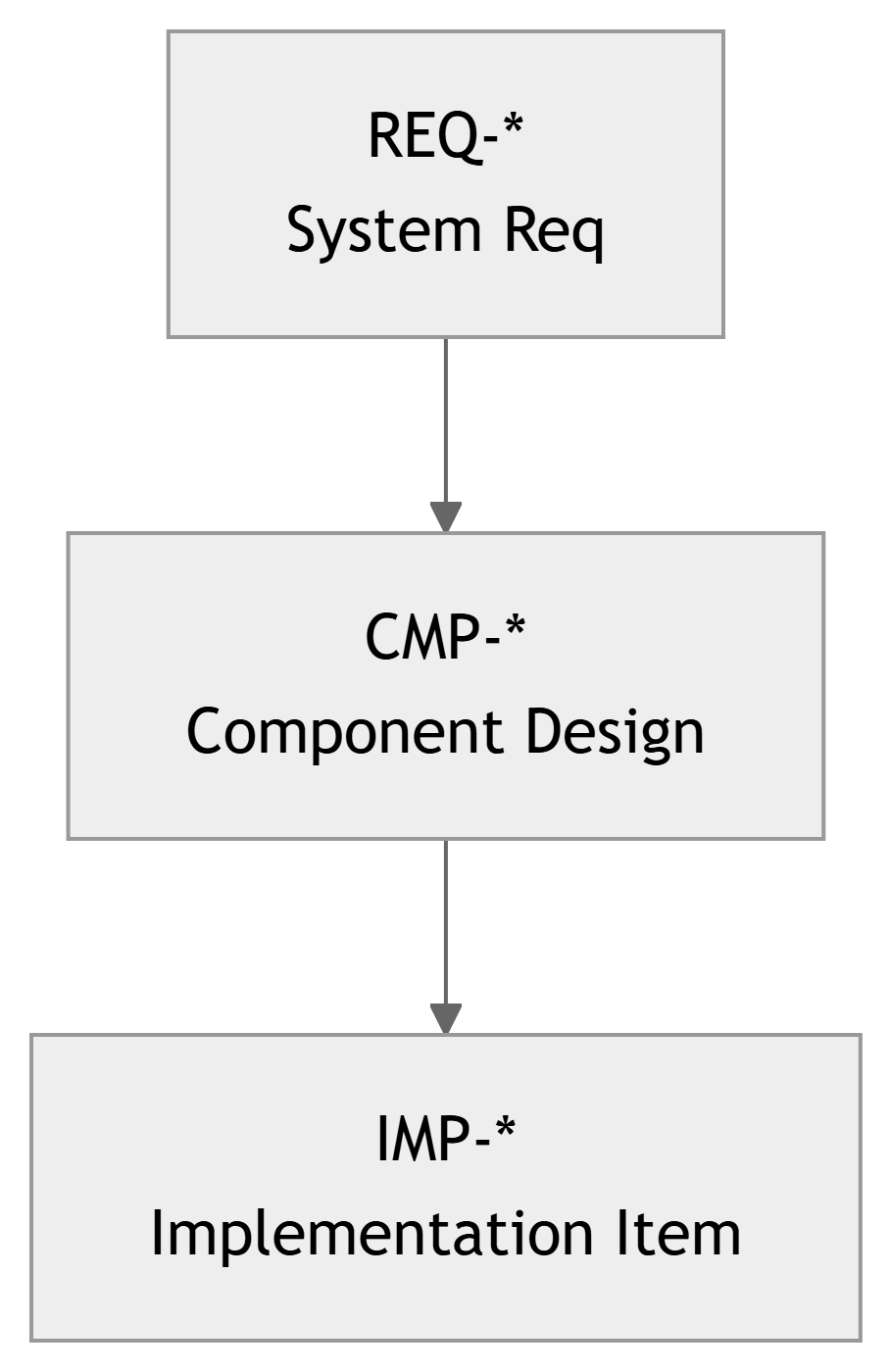
REQ-* → CMP-* → IMP-*.
Course Stage:
V‑Model Level:
Inputs from earlier stages:
STR-*, REQ-*).CMP-* components and interface specs.TST-* planned).Outputs to later stages:
IMP-*):
CMP-* → IMP-* links.Important
You should not be inventing major new requirements or architecture in Stage 5. If you must, it goes through change control.
ISO/IEC/IEEE 15288 – Implementation Process (informal summary):
Note
In capstone terms: Implementation is “build what you designed, in a reproducible way, and prove you’re ready to test.”
Configuration Management (from 15288 CM process):
Warning
Without CM, you get: - “It works on my laptop.” - “Which version are we demoing?” - “We lost the only working firmware.”
Typical Configuration Items (CIs) in ECE capstone:
CM mechanisms you will use:
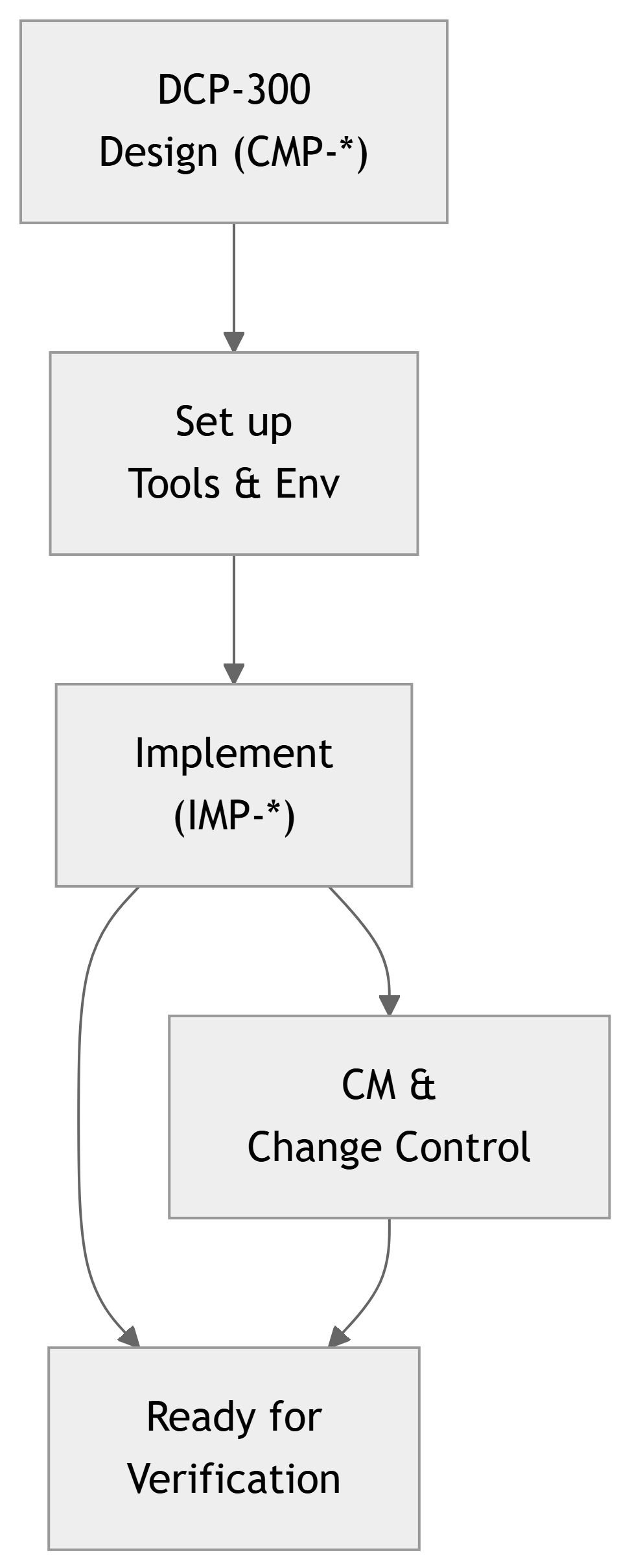
v0.9-proto, v1.0-TRR, PCB rev A/B/C.REQ-*, CMP-*, IMP-*.IMP-* items.Key activities in Stage 5:
IMP-*)
CMP-*).
Main artifact for Stage 5:
Typical contents:
IMP-* items and links to CMP-*, REQ-*.Important
If someone gave you DCP‑300 and DCP‑400, you should be able to rebuild the project from scratch.
IMP-* Entries in the RTMTraceability extension at Stage 5:
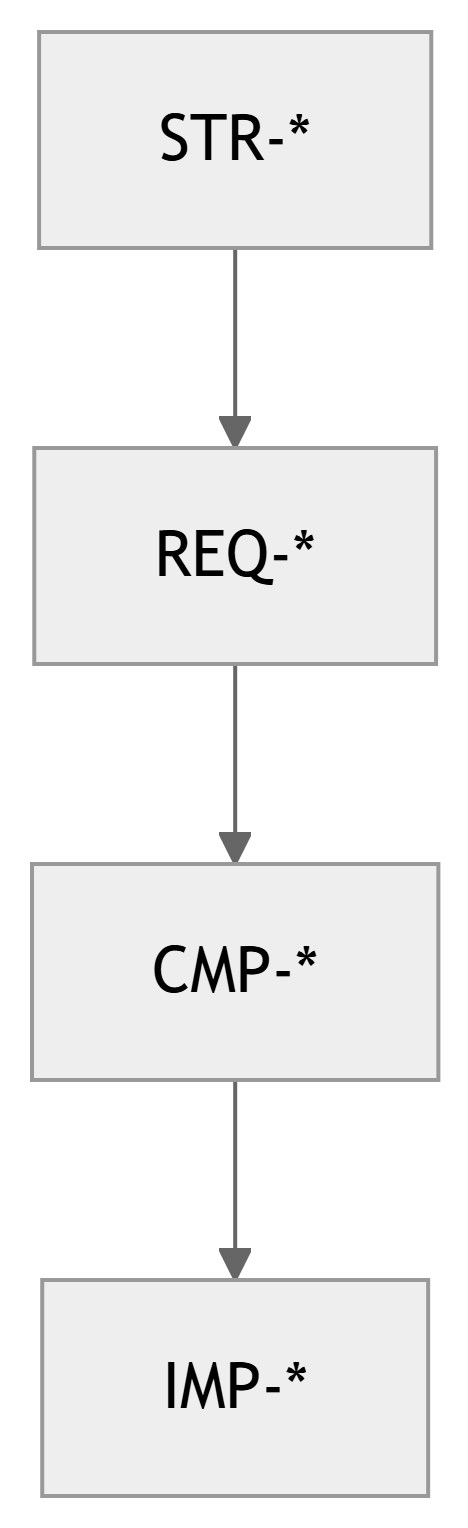
Previously:
STR-* → REQ-* → CMP-*Now we add:
CMP-* → IMP-*Example rows in RTM:
| CMP ID | IMP ID | Description |
|---|---|---|
| CMP-SW-010 | IMP-SW-010A | UI module (Flutter app) |
| CMP-SW-020 | IMP-SW-020A | Control task (FreeRTOS C module) |
| CMP-SY-030 | IMP-SY-030A | Sensor PCB rev B (KiCad project) |
| CMP-SY-040 | IMP-SY-040A | LoRa gateway firmware (C++) |
Tip
Use IDs in: - Commit messages - Issue tracker - Comments in code (// Implements REQ-SW-015 via CMP-SW-020)
Project Scenario:
A BLDC motor controller for a small robot arm.
Earlier stages defined:
REQ-SY-010: Motor speed shall be controllable from 0–3000 RPM with ±2% accuracy.CMP-SW-020: Motor control firmware module.CMP-SY-030: Power stage & gate driver PCB.Stage 5 Implementation Tasks:
Related IMP-* Items:
IMP-SW-020A: motor_ctrl.c / motor_ctrl.h implementing speed loop.IMP-SW-020B: current_sense.c with ADC driver and calibration.IMP-SY-030A: Assembled PCB rev B with BOM v1.1.Configuration Management:
v0.3-proto-pwm-onlyv0.5-closed-loopmotor_board_revB, BOM file versioned.Project Scenario:
FPGA card that performs real‑time FIR filtering on an audio stream.
Earlier stages defined:
REQ-SY-020: The system shall implement a low‑pass FIR filter with 60 dB stop‑band attenuation at 8 kHz, fs = 48 kHz.CMP-HW-010: FPGA top‑level design.CMP-SW-030: Coefficients generator / control interface software.Stage 5 Implementation Tasks:
fir_core, axi_stream_if, clk_gen.IMP-* Items & CM:
IMP-HW-010A: HDL sources in /hdl/fir_core/, Git repo tag fpga-fir-v1.0.IMP-SW-030A: gen_coeffs.py script version 1.2, with config file for 8 kHz cutoff.IMP-HW-010B: Bitstream file fir_filter_top.bit built from tag fpga-fir-v1.0.Configuration concerns:
This continues the course’s earlier Smart Lab Sensor Network example.
Recall Requirements:
REQ-SY-010: Each sensor node shall measure temperature 10–40°C with ±0.5°C accuracy.REQ-SY-011: Each node shall transmit measurements at least once every 60 s.Stage 5 Tasks:
Implementation & CM:
IMP-SW-040A: Node firmware repo with modules sensor.c, radio.c, main.c.IMP-SW-050A: Server backend repo (api.py, db_models.py).IMP-SW-060A: Web dashboard (dashboard.vue).IMP-SY-070A: Node PCB rev C (KiCad project).Use Git tags: - stage5-demo-node-fw-v0.9 - stage5-demo-backend-v0.7
DCP‑400 references all of these as CIs and explains how to deploy a full test network.

From components to tasks:
Example (Smart Lab project):
CMP-SW-010 UI module → tasks:
CMP-SW-020 control logic → tasks:
CMP-SY-030 sensor board → tasks:
Best practices:
CMP-*.IMP-* implementation.Example Task Table:
| Task ID | CMP ID | Short Description | Assignee |
|---|---|---|---|
| T‑501 | CMP-SY-030 | Layout sensor PCB rev B | Alice |
| T‑502 | CMP-SW-020 | Implement alert engine | Bob |
| T‑503 | CMP-SW-010 | Dashboard UI first version | Chen |
| T‑504 | CMP-SY-030 | Assemble 3 sensor boards | Dana |
Later, each task produces corresponding IMP-* entries linked back to CMP-*.
Software / Firmware / HDL implementation guidelines:
// Implements REQ-SW-011, CMP-SW-020.CMP-*).Tip
Think of each IMP-* as a product someone else might reuse. Make it readable, testable, and traceable.
Hardware implementation guidelines:
Note
Your PCB rev that works “after some bodges” is still a configuration that must be documented.
What is a baseline?
A baseline is a formally agreed snapshot of your configuration items (CIs) at a specific time, used as a reference going forward.
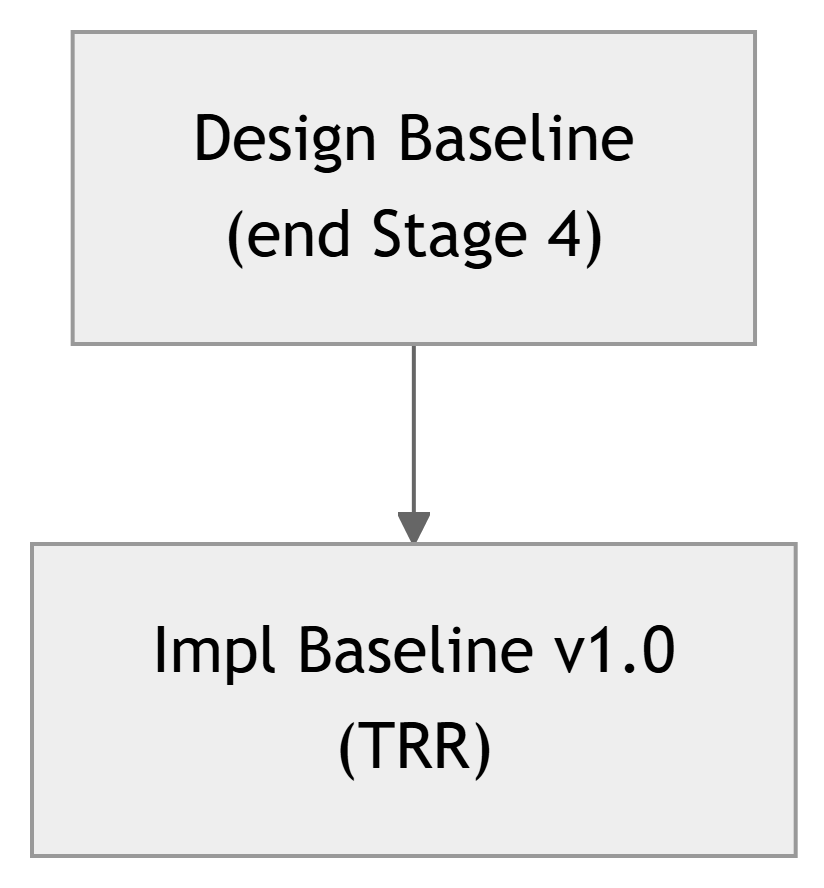
Typical baselines at Stage 5:

Important
At the Stage 5 Gate (TRR), you must be able to say: > “We are using these exact versions of code, boards, and configs for verification.”
Reality: you will discover issues during Stage 5.
Examples:
Change control steps (adapted from 15288):
REQ-*, CMP-*, TST-* are affected?Warning
Do not silently change functionality. If it affects requirements or design, it must go through change control.
Problem:
REQ-SY-0xx (battery life requirement).Proposed Changes:
Change Control Actions:
REQ-SY-0xx and CMP-SW-020.STR-SY-001).REQ-SY-011 text to new 5 min period in DCP‑200.IMP-SW-020B) to include sleep logic.During Stage 5, you will:
These are sometimes called developer tests or smoke tests.
Formal Verification (Stages 6 & 7):
TST-*, VER-*) traceable to REQ-*.
Note
Stage 5 ends when you have implementations stable enough to enter planned verification.

Suggested sections (template):
IMP-*)
CMP-* → IMP-* → repository paths / file sets.REQ-* are now implemented and ready for testing.IMP-*Activity (5–10 minutes):
CMP-*) from your Stage 4 architecture.IMP-*).Example answer snippet:
CMP-SW-015 – Data acquisition service
IMP-SW-015A – daq_service.py in labdaq/backend/ (owned by Sam).CMP-SY-025 – Sensor shield board
IMP-SY-025A – sensor_shield_revA KiCad project (owned by Alex).Tip
Use this to plan your repos and tasks early, rather than improvising halfway through implementation.
IMP-*) and their traceability to CMP-* / REQ-*.Important
Stage 5 is not “just hacking until it works.” It is disciplined construction under configuration control, preparing you for rigorous verification and validation.